
How-To
How to Make Sermon Clips for Instagram Reels From a YouTube Video
To make sermon clips for Instagram Reels from a YouTube video, pick a moment that makes sense on its own, cut it on full sentences, crop it to a vertical 9:16 frame, add captions and a short title, then post it with the passage reference. You can do this by hand with any video editor, or start from suggested clips.
The editing is the easy part. Choosing the moment is harder. A forty-minute sermon has a lot of good moments, and most of them depend on the ten minutes before. A clip has to work for someone who has never heard of your church, who will give it a few seconds before scrolling on.
This guide covers how to choose a moment, how to cut and format it by hand, and how to do the same thing from a YouTube link with Sermoneer.
What makes a good sermon clip?
A good sermon clip makes sense to someone who missed everything before it and everything after it. If the clip needs the setup from your introduction, it will not land on Instagram, no matter how strong it was in the room.
Here is what tends to pass the test.
- One clear sentence that carries the point. The kind of line people would quote back to you at the door. End the clip on it.
- A short story that finishes. A story with its turn and its point inside the same clip works. A story that pays off five minutes later does not.
- A direct word to the listener. "If you are carrying something you have never told anyone..." speaks to the person holding the phone, even out of context.
- A plain explanation of a verse. One passage, one meaning, said simply.
And here is what usually fails.
- Anything that starts with "So" or "And that's why." The listener does not know what "that" is.
- Inside jokes, announcements, and references to people in the room.
- The moment the worship team comes back up. Music in the background brings in licensing questions you do not want to sort out for a social post. Keep clips to spoken preaching.
One more thing to watch: people in the frame. If your camera catches the congregation, follow your church's photo and video policy before you post faces.
How long should a sermon clip be?
A sermon clip should be as long as one idea takes and no longer. Instagram allows Reels up to three minutes, a limit the app's head, Adam Mosseri, announced in January 2025. You do not need to use all of it.
Most sermon moments that stand on their own are much shorter than the limit. A single sentence with a little room around it might run twenty or thirty seconds. A short story with its point might take about a minute. Let the content set the length. If you find yourself trimming the middle out of a thought to make it fit, pick a different moment.
How do you find the best moments in a long sermon?
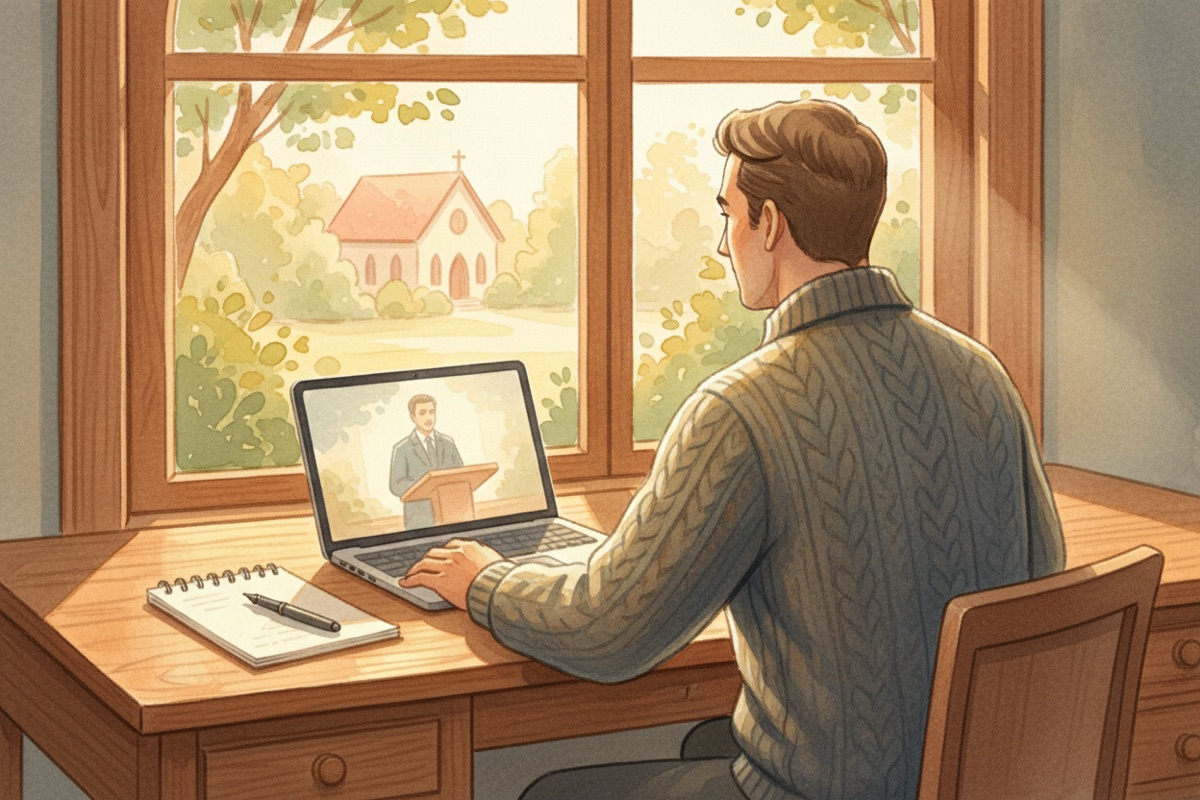
The fastest way to find clip-worthy moments is to read the sermon instead of watching it. Your manuscript, your notes, or the YouTube transcript will show you the strong sentences faster than scrubbing through video.
- Open your manuscript or notes from Sunday. If you preach without a manuscript, open the video on YouTube, click "...more" under the title, then "Show transcript."
- Mark every sentence you would be glad to see on its own. Do not judge yet. Just mark.
- For each mark, read the two sentences before it. If the marked line still makes sense without them, keep it. If it needs them, cross it off or widen the clip to include them.
- Find each keeper in the video and write down the start and end times. If you are using the transcript, click a line to jump to that spot in the video. Start at the first word of a sentence and end after the last word of one.
- Pick two or three. You do not need to post every good moment from one sermon. A few clips spread across the week will do more than a pile posted on Monday.
How do you make sermon clips by hand?
You make sermon clips by hand by downloading your video, trimming each moment, cropping it to vertical, and adding captions and a title. Any video editor that can export vertical video will work, including the editor inside the Instagram app.
- Get the original video file. Ask whoever runs your camera or edits your video for the file from Sunday. If that is not possible and the sermon is on your church's own YouTube channel, you can download it from YouTube Studio, but that copy is lower resolution than your original upload, so the vertical crop will look softer.
- Trim the moment. Use the times you wrote down. Leave a breath at the start and end so the clip does not feel chopped.
- Crop to 9:16. Reels are vertical. Your sermon was probably filmed wide, so you will crop in on the speaker. Keep the preacher's face in the upper part of the frame, because captions and Instagram's own buttons will cover the bottom.
- Add captions. Many people watch with the sound off, and captions help people who are hard of hearing. Many editors can generate them for you. Read every line against what you actually said. Watch for names, places, and Bible references, which automatic captions can get wrong. "2 Corinthians" coming out as "to Corinthians" is the kind of mistake that makes a viewer stop trusting the clip.
- Add a short title at the top. A few words that tell the viewer what this is about before the speaker finishes the first sentence. Write it like a sentence someone would say.
- Add your church's name or logo if you want it, small and out of the way.
- Export and watch the whole clip once on your phone, with the sound off. If it still makes sense, it is ready.
How do you make sermon clips from a YouTube link with Sermoneer?
With Sermoneer, you paste your sermon's YouTube link, pick from suggested moments, and download a vertical mp4 with the title and captions already burned in. The video needs captions on YouTube, and automatic captions are fine.
- Open Shorts in Sermoneer and paste the YouTube link to your sermon.
- Add your church name or upload a logo if you want one on the clip. It shows near the bottom of each clip and is saved for next time.
- Let Sermoneer analyze the sermon. It suggests moments from across the whole message, each with a two-line title, a short summary, and its start and end times. Each clip's start and end are lined up with sentence breaks in the transcript.
- Preview before you choose. Each suggestion has a link that opens that part of the video on YouTube, so you can hear it in context.
- Pick a single clip, or, when one is offered, a highlight reel that joins two or three moments into one video.
- Create and download the short. It is a 9:16 mp4 you can post to Instagram Reels or YouTube Shorts. Your clips are also kept under My Shorts.
- Watch it before you post. The suggestions are a starting point. You know which moments really carried the sermon and which ones only sound good out of context. Check the captions too.
Sermoneer is free during the beta. If you want to try it on last Sunday's video, you can create an account here.
What should you write in the Reel caption?
The caption should name the passage and point people to the full sermon. The clip carries the message, so the caption can stay short.
- Start with one line that adds something. A question the clip raises, or a sentence on why this moment matters. Do not just repeat the title.
- Name the passage. "From Sunday's message on Isaiah 40."
- Tell people where the full sermon is. A link in your profile, or the name of your YouTube channel.
Keep hashtags few and plain, like your church's name and city. Then reply to the comments that come in.
How often should a church post sermon clips?
Post sermon clips at a pace you can keep. Two or three clips from each Sunday, spread across the week, is a steady rhythm for most small teams. Each clip keeps Sunday's message in front of your people on the days in between.
A clip reaches people scrolling past. For the people in your church who missed Sunday, pair it with a written version. Here is how to write a sermon recap they will read.
Try Sermoneer
One sermon becomes a week of material: small group guide, devotional, social cards, and shorts.
Start free